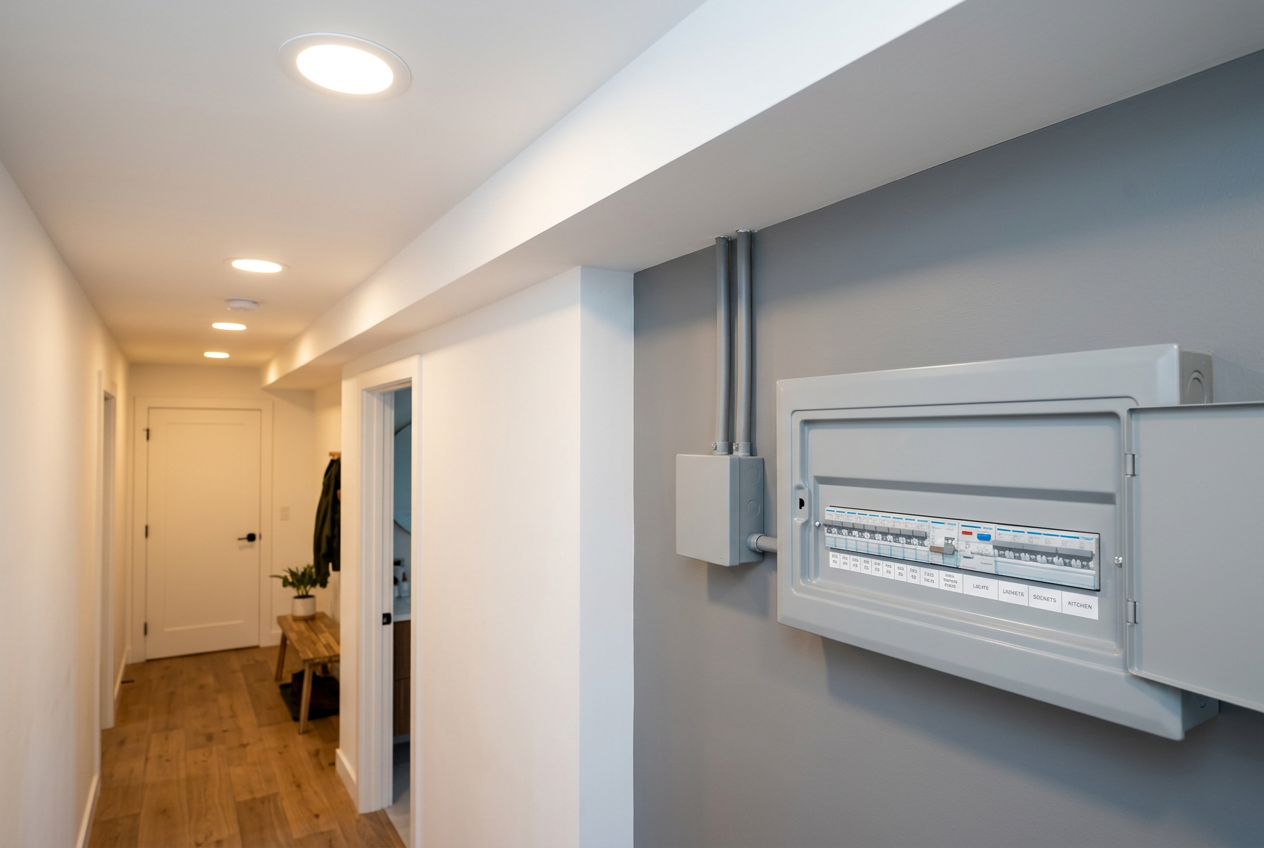
Yes, in most cases you can install a plug-in smart meter monitor yourself in New Zealand — no electrician required. These devices are designed for homeowners to set up without touching any wiring, and they don't constitute restricted electrical work under NZ law. That said, there are a few important things to understand before you get started.
What Is a Plug-In Smart Meter Monitor?
A plug-in smart meter monitor (sometimes called an in-home display or IHD) is a consumer device that reads data from your smart meter and shows your electricity usage in real time. Common types include:
- Clip-on current transformer (CT) monitors — a sensor clips around your main cable (usually inside your switchboard) and sends data wirelessly to a display unit or app.
- Direct smart meter displays — some electricity retailers supply these; they communicate directly with your smart meter via a wireless signal.
- Plug-in energy monitors — smaller units that plug into a standard GPO (general power outlet) to monitor individual appliances.
Is It Legal for a Homeowner to Install One?
Under the Electrical Workers Registration Board (EWRB) framework, restricted electrical work covers anything involving fixed wiring, switchboards, or connections to the mains supply. Plug-in monitors that simply clip onto cables or plug into a standard outlet do not fall into this category — so a homeowner can legally install them.
However, if a CT sensor needs to be clipped around a cable inside your switchboard, you need to be careful. Opening a switchboard exposes live busbars and terminals that carry lethal voltages. While clipping a sensor onto an insulated cable is not restricted work itself, working inside a switchboard is best left to a licensed electrician if you're not confident.
Safety note: Never touch bare terminals, busbars, or any uninsulated conductors inside a switchboard. If in doubt, engage a registered electrician — you can find qualified local electricians on tradedirectory.co.nz.
Do You Need a Smart Meter First?
Yes — most monitors require a smart meter already installed at your property. Smart meter installation is carried out by your electricity network company or retailer and is not something a homeowner does themselves. Contact your electricity retailer to check whether you have a smart meter and whether they supply a compatible in-home display. Energywise has useful guidance on smart meters and energy monitoring in NZ.
Step-by-Step: Installing a CT Clip-On Monitor
This is the most common DIY-friendly type. General steps are:
- Check compatibility — confirm your monitor works with your meter type and your home's wiring configuration (single-phase is most common in NZ homes).
- Turn off non-essential circuits — you don't need to cut power, but reduce risk by being cautious.
- Locate your main incoming cable — usually inside the switchboard, running from the meter to the main switch.
- Clip the CT sensor around the insulated cable — do not touch any bare conductors.
- Connect the sensor to the transmitter unit — typically a simple plug connection.
- Plug the display or gateway into a standard GPO — place it within wireless range of the transmitter.
- Pair the devices and connect to your Wi-Fi — follow the manufacturer's app instructions.
Always read the manufacturer's installation guide thoroughly before starting.
Choosing a Monitor: What to Look For
| Feature | Why It Matters |
|---|---|
| Single-phase compatibility | Most NZ homes are single-phase; confirm before buying |
| Wi-Fi or Zigbee connectivity | Determines app and smart home integration options |
| Real-time vs. delayed data | Real-time is more useful for behaviour change |
| Solar PV monitoring | Useful if you have or plan solar panels |
| NZ retailer data integration | Some monitors link directly to your retailer's billing data |
You'll find a range of energy monitors at Bunnings and Mitre 10. Always check that the product is suitable for NZ's 230V / 50Hz electrical system.
What About Connecting to Your Smart Meter Directly?
Some smart meters in NZ have a HAN (Home Area Network) port that can communicate with compatible displays. Accessing this port may require your retailer or network company to enable it — this is not something you do yourself. Contact your electricity retailer for details.
When to Call a Professional
Call a registered electrician if:
- You're not comfortable opening or working near your switchboard.
- Your switchboard is old, unlabelled, or appears damaged.
- You want a hardwired energy monitoring system integrated into your switchboard — this is restricted electrical work and must be done by a licensed electrician registered with the EWRB.
- You're installing solar PV monitoring that involves any wiring connections.
- You're unsure whether your meter is smart-meter compatible.
For anything involving fixed wiring or switchboard connections, always use a licensed professional. Find a qualified electrician near you on tradedirectory.co.nz.

 Site Safe
 Licensed Electrical Inspector