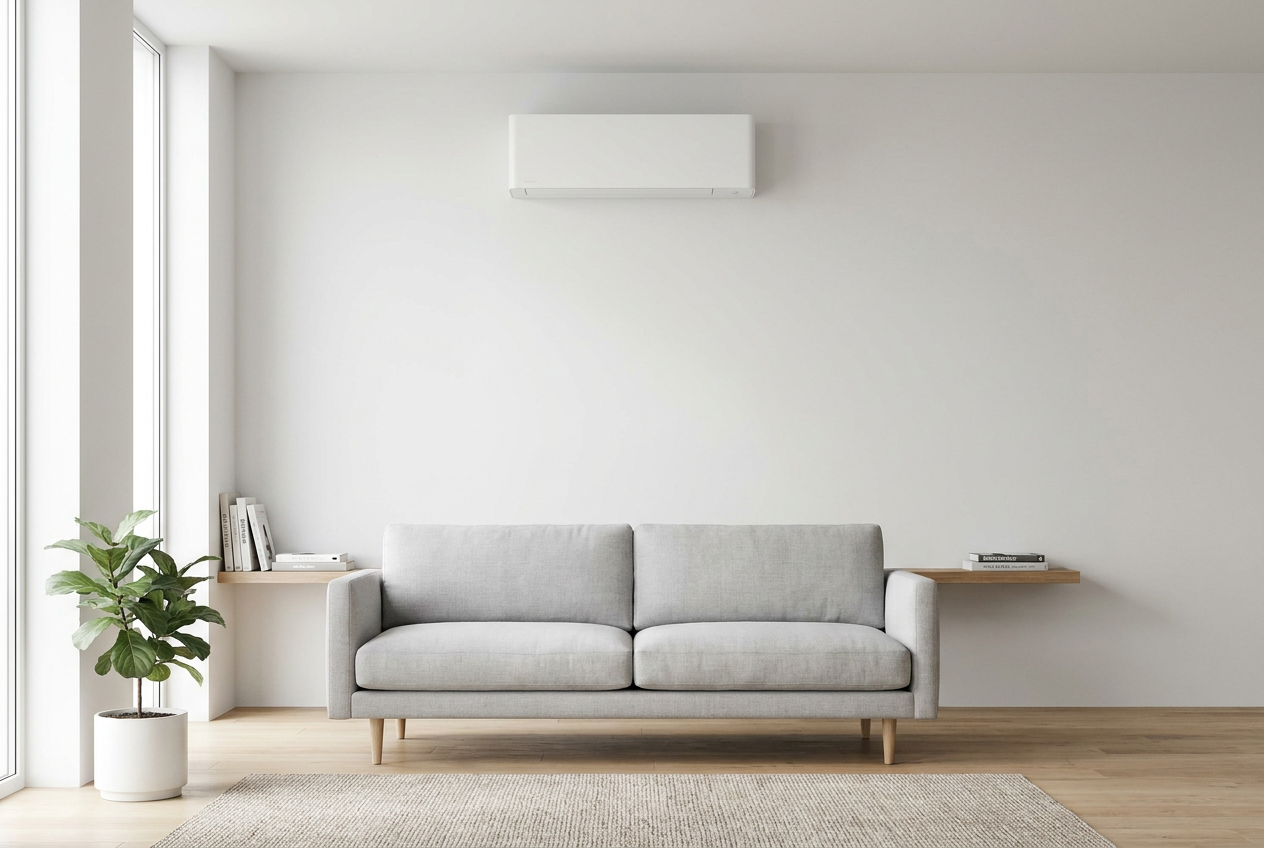
Connecting your heat pump to a smart home controller can be a great way to save energy and boost comfort — and depending on the system, some of the setup is genuinely DIY-friendly. However, any work involving your heat pump's electrical wiring is restricted electrical work under NZ law and must be carried out by a licensed electrician. Here's how to figure out what you can and can't do yourself.
How Heat Pumps Connect to Smart Home Systems
There are two main ways a heat pump can be integrated with a smart home controller:
- Wi-Fi or IR-based smart controllers — These sit between your existing remote and the heat pump's indoor unit, using infrared (IR) signals or the unit's own Wi-Fi module. No wiring changes are needed.
- Hardwired control interfaces — Some heat pump brands offer proprietary control boards or BACnet/Modbus interfaces that connect directly to a home automation hub via low-voltage wiring or data cables.
The method available to you depends on your heat pump brand and model. Common NZ brands like Mitsubishi Electric, Daikin, Fujitsu, Panasonic, and Hitachi all have their own smart control ecosystems, and compatibility with third-party systems (like Google Home, Amazon Alexa, or Home Assistant) varies.
What a Homeowner Can Legally Do Themselves
The good news is that several integration options involve no electrical wiring at all, making them safe and legal for homeowners to set up:
- Plug-in IR blasters (e.g., Sensibo, Cielo Breez, or similar) that sit in the room and mimic your remote control via infrared. These simply plug into a power outlet.
- Manufacturer Wi-Fi adapters that plug into a dedicated port on the indoor unit — no wiring, just a data connection. Check your unit's manual to see if this port exists.
- Smart home app configuration — once the hardware is in place, setting up routines, schedules, and integrations in apps like Google Home, Apple HomeKit, or a hub like SmartThings is entirely DIY.
- Ethernet or Wi-Fi network setup for the controller itself.
If you're simply plugging in a device or configuring software, you're in safe DIY territory.
What Is Restricted Electrical Work — Don't DIY This
Under the Electrical Workers Registration Board (EWRB) rules, any work on fixed wiring is restricted electrical work and must be performed by a registered electrician. This includes:
- Connecting or modifying wiring inside the heat pump's indoor or outdoor unit
- Installing or altering a dedicated circuit for the heat pump
- Connecting hardwired control interfaces that tap into the unit's terminal block
- Any work inside your switchboard or consumer unit
Doing this work yourself is illegal and can void your insurance, void the heat pump warranty, and create serious fire or electrocution hazards. Always use a licensed electrician for these tasks — you can find qualified local professionals on tradedirectory.co.nz.
Safety note: Even low-voltage control wiring on some heat pump systems can be connected to mains-level components internally. Never open the heat pump's electrical cover unless you are a licensed electrician.
Choosing the Right Smart Controller for Your Heat Pump
Before buying anything, check these key points:
| Factor | What to Check |
|---|---|
| Brand compatibility | Does the controller support your heat pump brand and model? |
| Control method | IR blaster, Wi-Fi module, or hardwired interface? |
| Smart home platform | Works with Google Home, Alexa, Apple HomeKit, or Home Assistant? |
| NZ power supply | Is the device rated for 230V / 50Hz NZ supply? |
| Warranty impact | Will adding a third-party device void your heat pump warranty? |
Always read your heat pump's installation manual and contact the manufacturer or your installer if you're unsure about compatibility.
Energy Savings and the Healthy Homes Standard
Smart control of your heat pump can meaningfully reduce energy use by avoiding heating or cooling an empty home. Energywise recommends using timers and smart controls as one of the most effective ways to cut heating costs. If you're a landlord, note that the Tenancy Services Healthy Homes Standards require adequate heating in rental properties — a smart controller can help you demonstrate and maintain compliant temperatures efficiently.
Step-by-Step: Setting Up a Plug-In IR Smart Controller
For a basic IR blaster setup (the most common DIY option):
- Purchase a compatible device — check the manufacturer's compatibility list for your heat pump brand.
- Plug the device into a nearby power outlet — position it with a clear line of sight to the heat pump's IR receiver.
- Download the app and follow the setup wizard to connect to your Wi-Fi network.
- Select your heat pump brand and model from the app's database.
- Test all functions — on/off, temperature, fan speed, and mode.
- Link to your smart home platform (Google Home, Alexa, etc.) via the app's integration settings.
- Set up schedules and automations to suit your household routine.
The whole process typically takes 20–40 minutes and requires no tools.
When to Call a Professional
Call a licensed electrician if:
- You want to use a hardwired control interface or proprietary control board
- Any wiring inside the heat pump unit needs to be modified or connected
- You're unsure whether a connection point is low-voltage or mains-connected
- The installation requires changes to your switchboard
Call your heat pump installer or service technician if:
- You're unsure which smart control system is compatible with your unit
- The heat pump needs a firmware update to support smart control
- You want a fully integrated solution with professional commissioning
A qualified heat pump installer can advise on the best smart control option for your specific unit and ensure everything is set up correctly. Find a local specialist on tradedirectory.co.nz.



 ISO 9001