Running out of power points is one of the most common frustrations in modern Kiwi homes. Whether you want a USB charging outlet beside the bed or an extra double socket in the lounge, it's tempting to think it's a simple job. The reality is that most of this work is restricted electrical work under New Zealand law — but there are still useful things you can do to prepare and save money.
What Is Restricted Electrical Work in NZ?
In New Zealand, the Electricity Act 1992 and its regulations define restricted electrical work (REW) as any work on fixed wiring in a building. This includes:
- Installing new power points (GPOs) or USB outlets in walls or floors
- Running new cable from a switchboard or existing circuit
- Adding a new circuit or modifying an existing one
- Replacing a standard outlet with a USB combo outlet that involves wiring into the wall
Only a registered electrician — someone registered with the Electrical Workers Registration Board (EWRB) — can legally carry out this work. Once complete, they must issue you a Certificate of Compliance (CoC), which is your proof the work is safe and up to code. Always ask for this document.
Safety note: Unlicensed electrical work is illegal, can void your home insurance, and is a serious fire and electrocution risk. Never attempt to wire or rewire outlets yourself.
What Can a Homeowner Legally Do?
While the wiring itself is off-limits, there are a few things you can do without a licence:
- Plug-in USB adapters and power boards — these simply plug into an existing outlet and require no wiring
- Surface-mounted extension leads — temporary solutions that don't involve fixed wiring
- Preparing the space — patching walls, measuring, and planning outlet locations to discuss with your electrician
- Replacing a like-for-like outlet cover plate — in some cases, swapping a damaged faceplate on an existing, already-isolated outlet may be permitted, but check with your electrician first
For a permanent, tidy result — especially USB outlets flush-mounted in the wall — you'll need a registered sparky.
USB Power Points: What Are Your Options?
Modern USB power points come in several configurations. Here's a quick comparison to help you plan your conversation with an electrician:
| Type | Best For | Notes |
|---|---|---|
| Standard GPO + USB-A ports | Bedrooms, offices | Charges older devices; widely available |
| GPO + USB-C (or USB-A & C combo) | Modern phones, tablets, laptops | Faster charging; becoming the NZ standard |
| USB-only outlet (no GPO) | Bedside tables, kitchens | No standard plug socket — niche use |
| Recessed floor outlet | Home offices, open-plan living | Requires more labour; great for islands/desks |
| Outdoor weatherproof outlet | Decks, garages | Must meet NZS 3000 weatherproofing requirements |
Brands like Clipsal, HPM, and PDL (Schneider Electric) are commonly used by NZ electricians. Your sparky will source and supply compliant fittings.
How Many Outlets Can Be Added to an Existing Circuit?
This depends on the existing circuit's capacity — your electrician will assess the load. In many NZ homes, especially older ones, circuits may already be running close to their rated capacity. Adding too many outlets to one circuit can cause nuisance tripping or, worse, overheating.
If your home is older and has older wiring (e.g. aluminium wiring or early TPS cable), your electrician may recommend an upgrade before adding new outlets. BRANZ has useful guidance on older NZ housing stock and electrical safety considerations.
What Will It Cost? (Rough Guide)
Prices vary by region, complexity, and how many outlets you're adding. As a very rough guide:
- Adding one or two outlets to an existing circuit in an accessible location: typically a few hundred dollars including labour and materials
- Running a new circuit from the switchboard: generally more expensive, depending on cable run length and switchboard condition
- USB combo outlets cost more than standard GPOs for materials, but the labour rate is similar
Always get two or three quotes from registered electricians. You can find qualified local sparkies on tradedirectory.co.nz.
Planning Tips Before the Electrician Arrives
A little preparation can reduce your labour bill:
- Decide on locations — think about furniture placement, desk height, and where cables will naturally run
- Consider future needs — it's often cheaper to add two or three outlets in one visit than to call the sparky back later
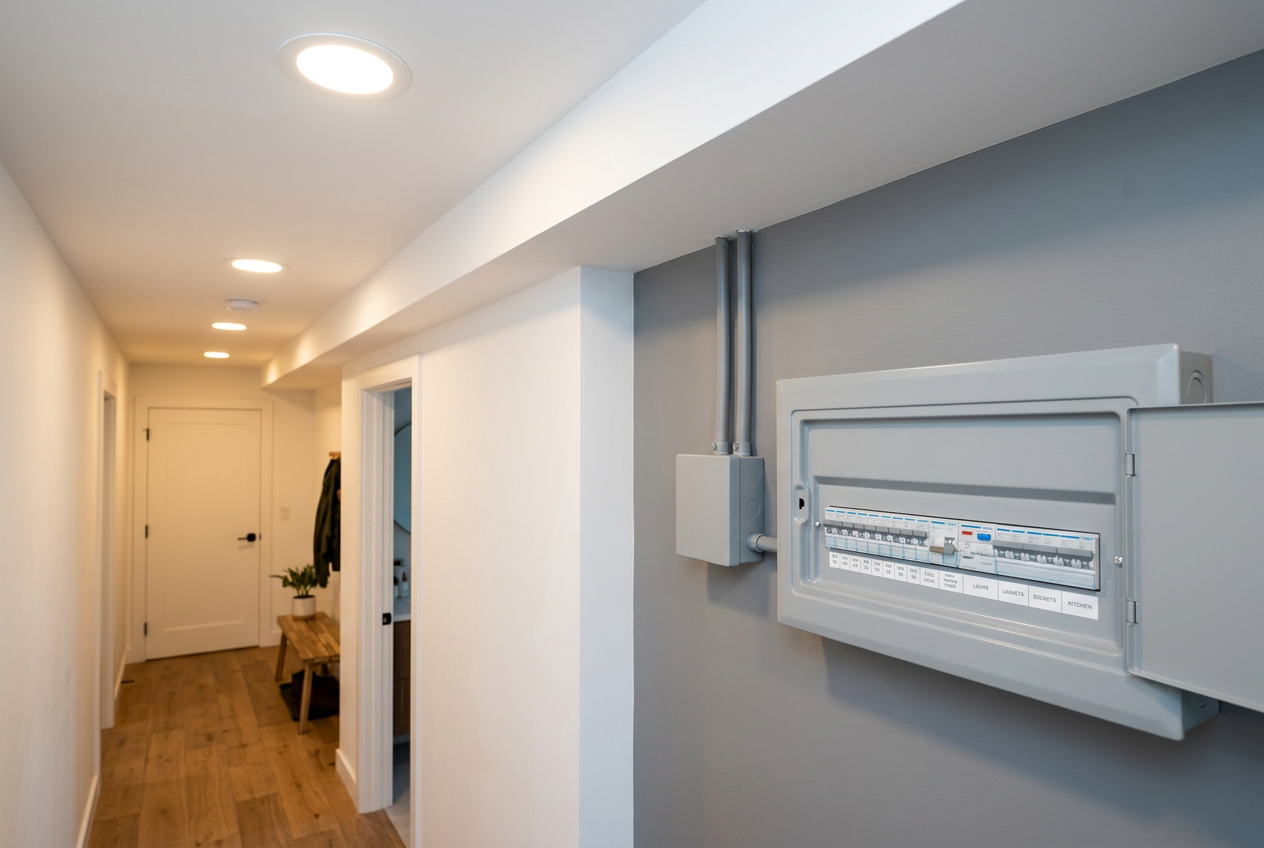
- Check your switchboard — if it's an older fuse-wire board, your electrician may recommend upgrading to a modern RCD-protected board at the same time
- Healthy Homes compliance — if you're a landlord, note that Tenancy Services Healthy Homes standards may affect electrical requirements in rental properties
When to Call a Professional
Call a registered electrician for any of the following:
- Installing any new fixed outlet (USB or standard) in a wall, floor, or ceiling
- Replacing an existing outlet with a different type (e.g. adding USB ports to a standard GPO)
- Any work near water — kitchens, bathrooms, and outdoor areas have strict requirements under the NZ Building Code (clause G9 and NZS 3000)
- If your switchboard looks old, has fuse wire, or lacks RCD protection
- If you're renovating and want outlets repositioned
Find a registered sparky in your area at tradedirectory.co.nz and always confirm they are registered with the EWRB before work begins.