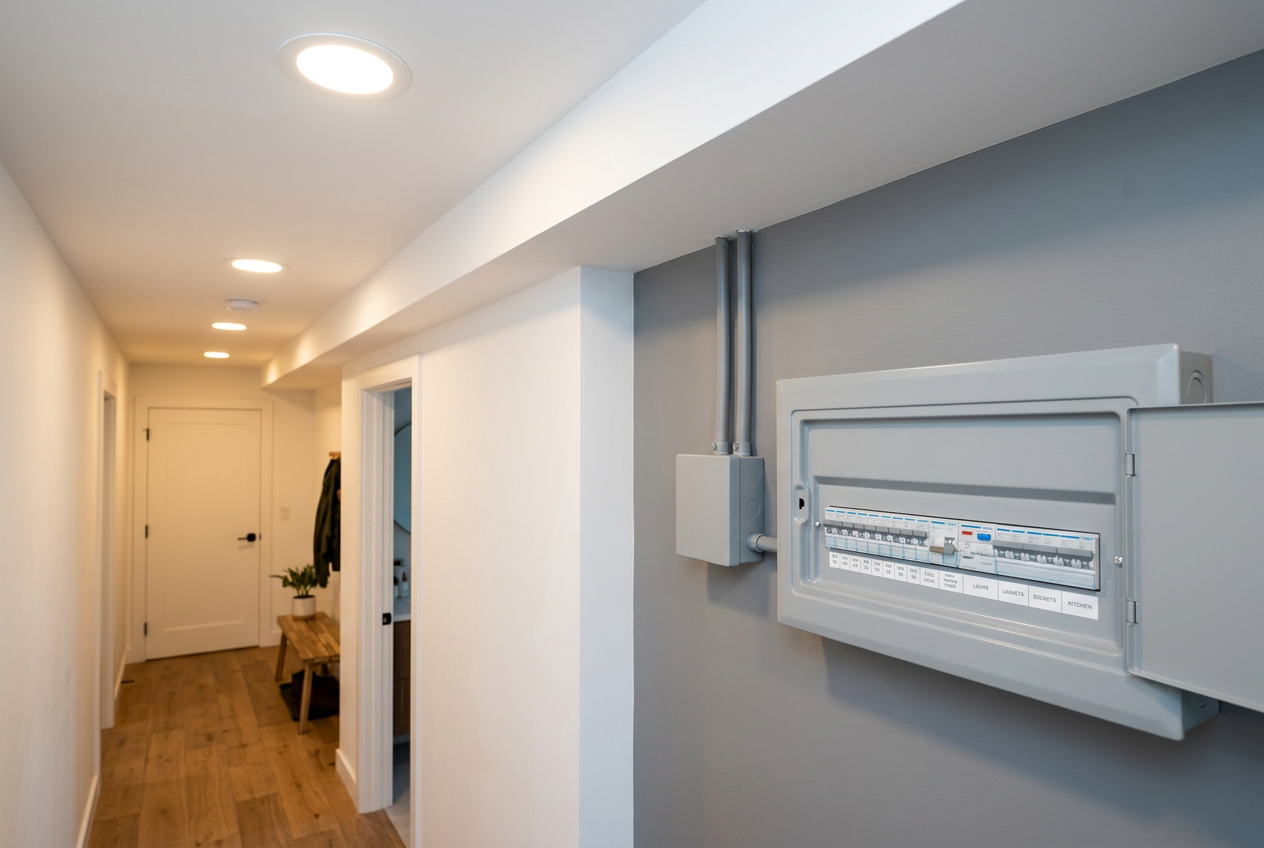
Installing security cameras is a great way to protect your home, but when it comes to the power wiring, the rules in New Zealand depend on exactly what type of wiring you're doing. The short answer: low-voltage wiring (like PoE cables) is generally fine for homeowners to tackle themselves, but anything involving your mains (230V) electrical system is restricted electrical work that must be carried out by a licensed electrician.
Understanding the Two Types of Security Camera Wiring
Most modern home security camera systems use one of two power methods:
- Power over Ethernet (PoE): A single Cat5e or Cat6 network cable carries both data and low-voltage power (typically 12–48V DC) from a PoE switch or NVR to the camera. This is the most common setup for IP cameras.
- Mains-powered cameras: These plug into a standard 230V GPO (general power outlet) or are hardwired directly into your home's electrical circuit.
The type of wiring you choose determines what you can legally do yourself.
What Homeowners Can Legally Do Themselves
Under New Zealand's electrical regulations, low-voltage wiring that does not connect to the mains supply is generally not restricted electrical work. This means you can typically:
- Run Cat5e or Cat6 PoE cables through wall cavities, ceiling spaces, or along exterior surfaces
- Connect PoE cameras to a PoE switch or NVR (network video recorder)
- Plug a mains-powered camera's plug-pack (transformer/adaptor) into an existing GPO
- Mount cameras and run cable conduit
- Set up wireless (Wi-Fi) cameras that simply plug into an existing outlet
If your cameras use a plug-pack adaptor that plugs into an existing power point, you're not touching the mains wiring at all — that's perfectly legal DIY territory.
What Is Restricted Electrical Work in NZ
The Electrical Workers Registration Board (EWRB) oversees who can legally carry out electrical work in New Zealand. Under the Electricity Act 1992 and associated regulations, restricted electrical work includes any work on fixed wiring connected to the mains supply (230V). This means:
- Installing a new GPO (power point) near your camera location
- Hardwiring a camera directly into a circuit (without a plug)
- Running new mains cable from your switchboard or an existing circuit
- Installing an outdoor weatherproof power point for external cameras
If you carry out restricted electrical work yourself, you risk fines, voiding your home insurance, and serious safety hazards including fire and electrocution. It's not worth it.
Safety note: Even low-voltage PoE wiring should be installed carefully. Keep cables away from mains wiring where possible, use appropriate conduit outdoors, and ensure all connections are weatherproof for exterior installations.
Running PoE or Low-Voltage Cable: Practical Tips
If you're going the PoE route (recommended for most DIYers), here's how to approach it:
Planning your cable runs
- Map out camera positions before you start — think about coverage angles, cable routing, and where your NVR or PoE switch will sit.
- Measure cable runs carefully and add extra length for routing around obstacles.
- Use Cat6 cable for best performance and future-proofing.
Running cables through walls and ceilings
- A fish tape or cable snake makes pulling cable through wall cavities much easier.
- Drill holes carefully — be aware of insulation, existing wiring, and structural elements like noggins.
- Use grommets where cables pass through timber or metal to protect the cable sheath.
Outdoor installations
- Use UV-rated conduit to protect cables on exterior surfaces.
- Seal any penetrations through the building envelope carefully to comply with NZ Building Code clause E2 (external moisture). Use an appropriate sealant such as a product from Sika to weatherproof wall penetrations.
- Check that your camera and any outdoor components are rated for NZ weather conditions.
Do You Need a Building Consent?
For most residential security camera installations, a building consent is not required — camera mounting and low-voltage cabling generally fall under Schedule 1 exemptions of the Building Act. However, if you're making significant structural changes or the work involves restricted building work, check with your local council first. The MBIE Building Performance website is a good starting point.
Choosing Your System
For a DIY-friendly setup, consider a PoE IP camera system with a central NVR. You'll find a range of options at Bunnings and Mitre 10, or through specialist security suppliers. Wireless Wi-Fi cameras are even simpler if you have good Wi-Fi coverage — just plug the adaptor into an existing power point and you're away.
When to Call a Professional
You should engage a licensed electrician if you need to:
- Install a new power point (GPO) for your cameras — indoors or outdoors
- Hardwire any camera directly into your home's electrical system
- Upgrade your switchboard or add a new circuit
- Do any work inside your switchboard
A licensed electrician will issue you an Electrical Certificate of Compliance (CoC) for the work, which is important for insurance and future property sales. You can find qualified, local electricians on tradedirectory.co.nz to get the job done safely and legally.
For more complex installations — such as commercial-grade systems, access control integration, or alarm monitoring — it's also worth consulting a professional security installer.