Yes, in most cases you can install a data (ethernet) or phone outlet yourself in New Zealand — but there are important rules around what counts as restricted electrical work that you need to understand before you pick up a drill. Getting this wrong can be unsafe and may even affect your home insurance, so it pays to know the boundaries.
What Makes Data and Phone Wiring Different from Mains Wiring
Standard mains electrical wiring in NZ operates at 230V AC and is classified as restricted electrical work under the Electricity Act 1992. Only a registered electrician can legally carry out this work. Data cabling (Cat5e, Cat6, Cat6A) and traditional telephone wiring, however, operate at very low voltages and are generally not classified as restricted electrical work — meaning a competent homeowner can install them.
The key distinction is whether you're working on low-voltage signal cabling (data, phone, audio/visual) or touching anything connected to the 230V mains supply. If in doubt, always check with the Electrical Workers Registration Board (EWRB) or a licensed electrician.
What You Can Legally DIY
As a homeowner, you can generally do the following yourself:
- Run Cat5e, Cat6, or Cat6A ethernet cable through walls, ceiling cavities, or under floors
- Terminate data cables into RJ45 keystone jacks and wall plates
- Install phone extension cables and standard RJ11 phone sockets
- Patch cables between a wall outlet and a router, switch, or device
- Install a patch panel in a data cabinet (as long as it's not connected to mains power)
These tasks require patience and a bit of technique, but no electrical licence. You'll find the tools and materials you need at Bunnings or Mitre 10.
What Is Restricted and Must Be Done by a Licensed Electrician
There are situations where your data or phone project will cross into restricted electrical work territory:
- Installing a new power outlet near your data point (e.g., for a home office setup) — this is restricted work
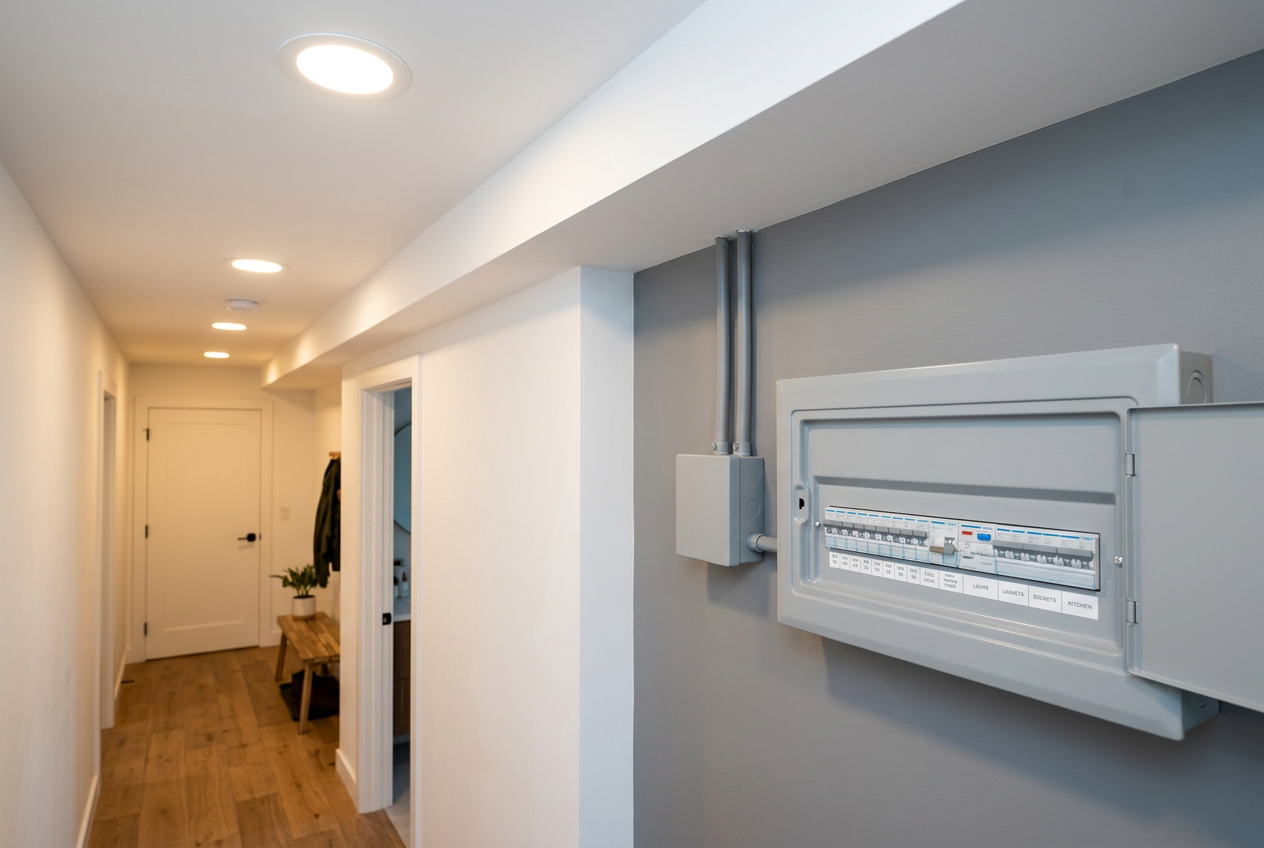
- Connecting to the main distribution board (MDB) or any 230V wiring
- Installing a PoE (Power over Ethernet) switch or injector is fine as a plug-in device, but hardwiring any powered equipment into mains is restricted
- Structured cabling that includes mains-powered components hardwired into the system
- Telecommunications work on the Chorus/UFB network connection point (the ONT or modem supplied by your ISP) — don't tamper with this equipment
Always engage a registered electrician for any mains-voltage work. You can find qualified local electricians on tradedirectory.co.nz.
Tools and Materials You'll Need
| Item | Purpose |
|---|---|
| Cat6 cable (solid core) | Main data run between rooms |
| RJ45 keystone jacks | Terminate cable at wall plate |
| Wall plates and back boxes | Neat, flush finish |
| Punch-down tool | Terminate wires into keystone jacks |
| Cable tester | Verify your connections work |
| Fish tape or draw wire | Pull cable through wall cavities |
| Drill and hole saw | Create penetrations through framing |
Solid-core Cat6 is recommended for permanent in-wall runs; stranded patch cable is better for flexible connections between devices.
Tips for a Professional Result
Plan Your Cable Runs First
Work out where your router or network switch will live (ideally a central location), then plan runs to each room. Avoid running data cables parallel to mains wiring for long distances — this can cause interference. Where they must cross, do so at 90 degrees.
Use the Right Cable Standard
For most NZ homes, Cat6 is the sweet spot — it supports Gigabit ethernet and is future-friendly. Cat6A supports 10 Gigabit but is stiffer and harder to work with. Check the cable is rated for in-wall use (look for LSZH or PVC-jacketed cable suitable for enclosed spaces).
Terminating Correctly Matters
Follow either the T568A or T568B wiring standard consistently throughout your installation — don't mix them. T568B is the most common in NZ residential installs. A cheap cable tester will confirm all eight conductors are connected correctly before you close up the wall.
Penetrations and Fire Stopping
If you're drilling through fire-rated walls or floors, you may need to seal penetrations with an appropriate fire-stopping product. Check with your local council if you're unsure whether your walls have a fire rating — this is particularly relevant in multi-storey homes or homes with attached garages. BRANZ has useful guidance on building performance requirements.
Building Consent
Installing data cabling in an existing home is generally exempt from building consent under Schedule 1 of the Building Act 2004, but always confirm with your local council before starting work, especially if structural elements are involved.
When to Call a Professional
Call a registered electrician if your project involves any 230V mains wiring, new power outlets, or hardwired equipment. If you want a fully structured cabling system with a patch panel, rack, and multiple outlets throughout the house, a professional data/communications cabler or electrician will ensure the job is done neatly, tested properly, and compliant. You can find qualified tradespeople in your area on tradedirectory.co.nz.
For Healthy Homes compliance questions (relevant to rental properties), the Tenancy Services website is a good starting point.